Click
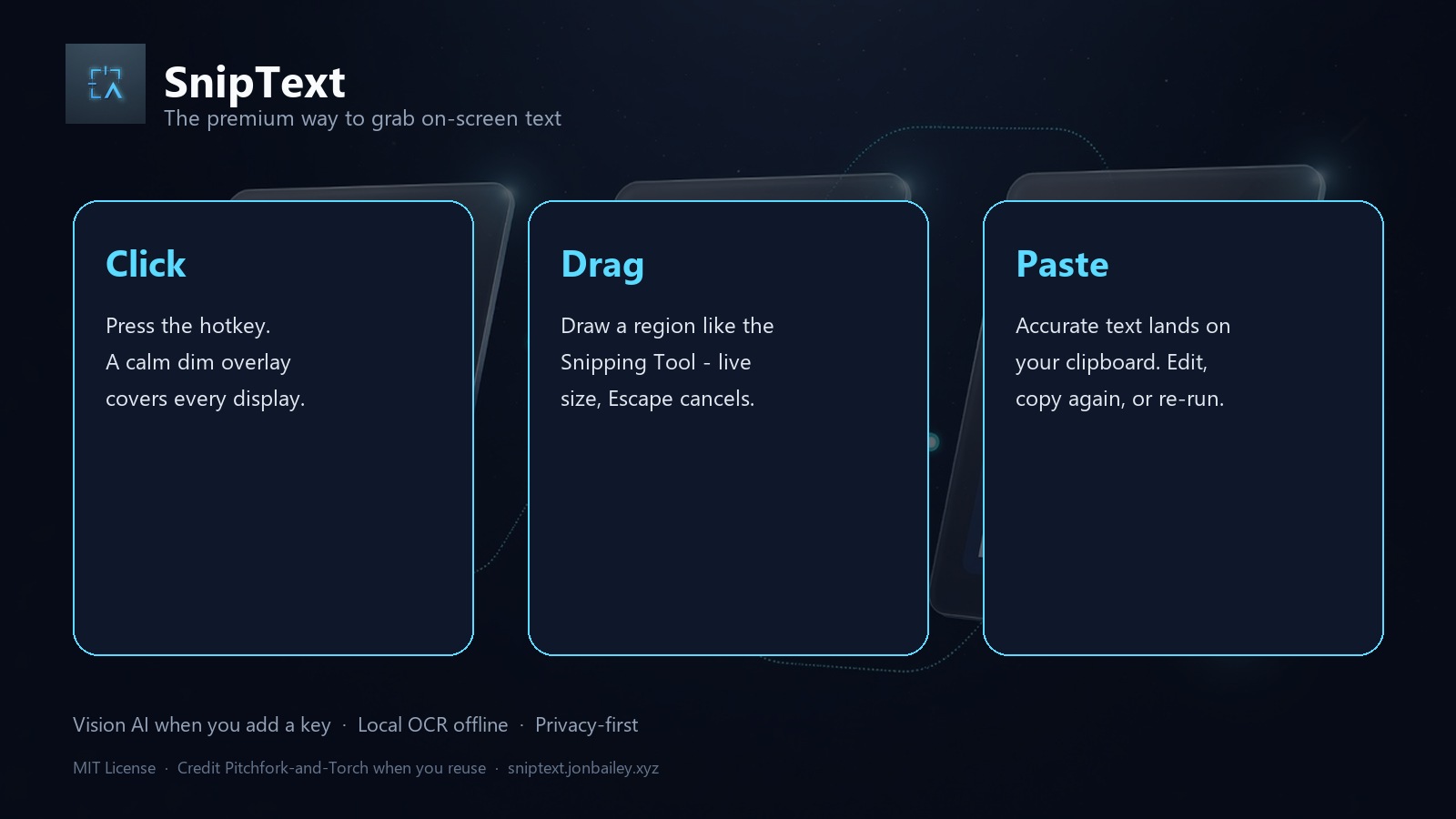
Press Ctrl+Shift+T (fully customizable). A calm dim overlay covers every monitor.
 SnipText
2.0.0 Read Image · Pitchfork-and-Torch
The snipping tool that gives you text, not another PNG. Snip a region, replay it, or read an image you already copied. Clip Desk searches, pins, and exports a local ledger.
Free · MIT License · Credit required if you reuse the code · No account to snip locally
Snip a region, or hand it a picture you already have. The result is text on the clipboard.
Press Ctrl+Shift+T (fully customizable). A calm dim overlay covers every monitor.
Draw a rectangle like Snipping Tool - live dimensions, Escape cancels, release commits at native resolution.
Accurate text is already on your clipboard. Optional preview to edit, re-copy, or re-process locally. Ctrl+Shift+I reads an image you already copied. Tray can open an image file.
Maximum accuracy when you want it. Offline when you need it. Privacy by default.
Tray or Ctrl+Shift+I reads a picture already on the clipboard. Tray also opens a PNG, JPEG, WebP, BMP, GIF, or TIFF. The picture stays in memory. History stores the text.
Tray → Clip Desk. Search, pin, copy, then Export ledger.json. Import it back on this machine. Ledger files stay on disk you choose. A camera shutter plays when you snip (Windows; toggle in Settings).
Connect your own xAI, OpenAI, Anthropic, or Google key. Grok vision by default for structure-aware transcription - code, tables, UI chrome, math.
RapidOCR (and optional Paddle / Easy / Tesseract) when offline or when you choose local-only mode. Lazy-loaded. No cloud required.
Snips stay in memory unless you save the image from the preview. The app does not write snip pictures into its data folder. Keys live in your OS keyring when available. Local OCR never leaves the device. Vision AI sends the crop only to the provider you connect.
Correct high-DPI capture across displays. System tray resident with history, settings, and delayed snip for stubborn menus.
Tray → Connect AI → open key page → paste → Test connection. Human labels, not cryptic env vars.
MIT License. Fork freely - keep the copyright notice and credit Pitchfork-and-Torch. See NOTICE in the repo.
Portable folder with SnipText.exe. Keep the folder together. Keys stay in %APPDATA%\SnipText - never in the binary.
A desktop app that places transcribed text on your clipboard. Snip a region, replay that region, or read an image already copied or saved as a file.
Yes. The app is free and open source under MIT. Vision providers may bill for their own API usage if you add a key.
No. Local OCR works offline. Add an xAI, OpenAI, Anthropic, or Google key in Settings for vision-model accuracy.
Only on your machine (OS keyring when available). Keys are never bundled in the EXE and never required to use the app.
Source runs on Windows, macOS, and Linux with Python 3.11+. The published portable zip is Windows only. Packaging scripts for other OS are in the repo.
Yes. Copy an image, then press Ctrl+Shift+I or choose Read clipboard image in the tray. If the clipboard has no image, your copied text is left alone. Read image file opens a PNG, JPEG, WebP, BMP, GIF, or TIFF from disk. Those pictures are not saved into the app data folder.
The history window. Search, pin, copy, export a local JSON ledger, and import it back. Pins stay on this machine only.
A local JSON file of your Clip Desk. Export and import stay on disk you choose. The ledger file is not uploaded.
Keep LICENSE and NOTICE, and credit Pitchfork-and-Torch in your README or About UI. Suggested line is in NOTICE.